Inspiration
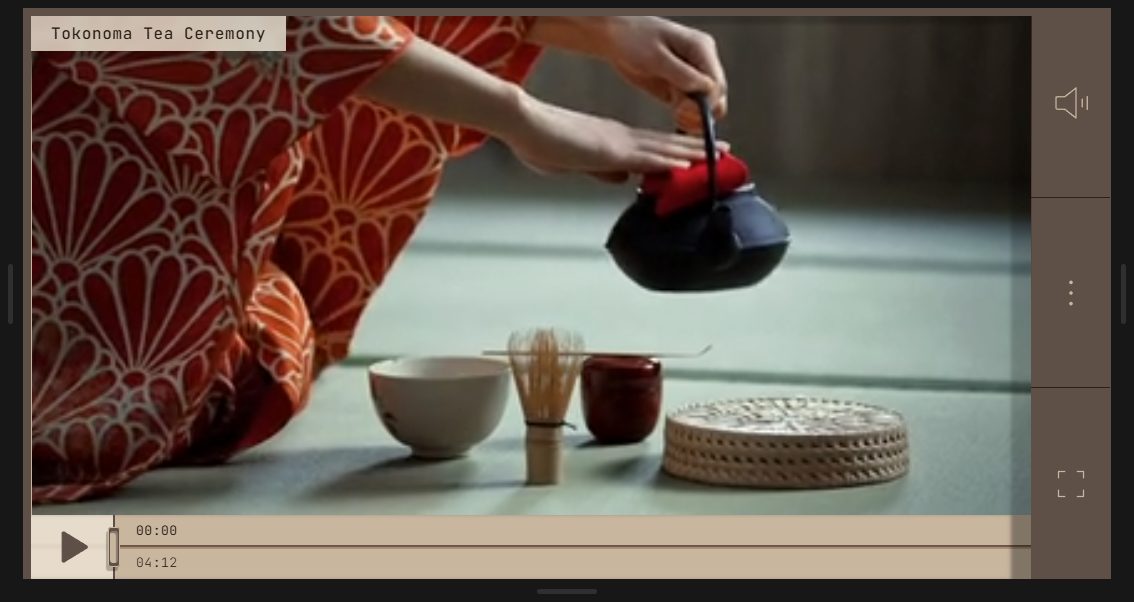
In a traditional Japanese room, the tokonoma is a shallow alcove set aside for one thing at a time: a hanging scroll, a single flower arrangement. Everything around it is quiet so that one object can be seen properly.
A video player can work the same way. Most players lay their controls over the picture; Tokonoma builds them into the room instead, out of the same parts a Japanese carpenter would use. They stay out of sight until you change where you're looking from.
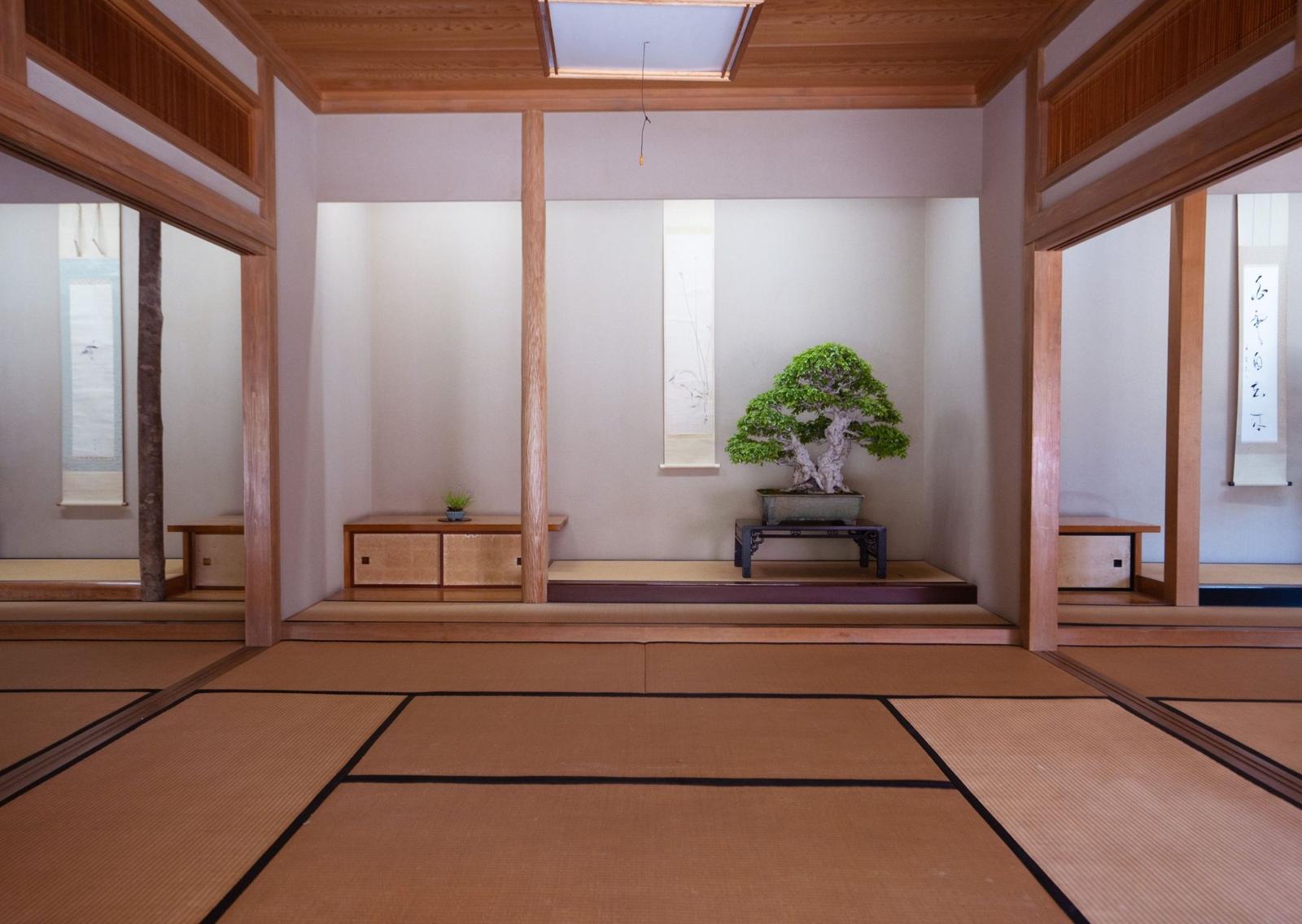
- Tokonoma 床の間
- The alcove. The video sits in a recessed frame with a soft shadow under the lintel.
- Tokobashira 床柱
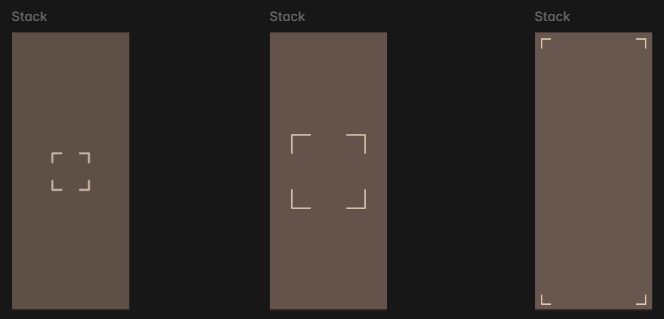
- The alcove's post. It holds volume, settings and fullscreen, and casts a shade across the floor.
- Otoshigake 落掛
- The lintel. The title card hangs from it and slides down as your point of view shifts.
- Shōji & washi 障子・和紙
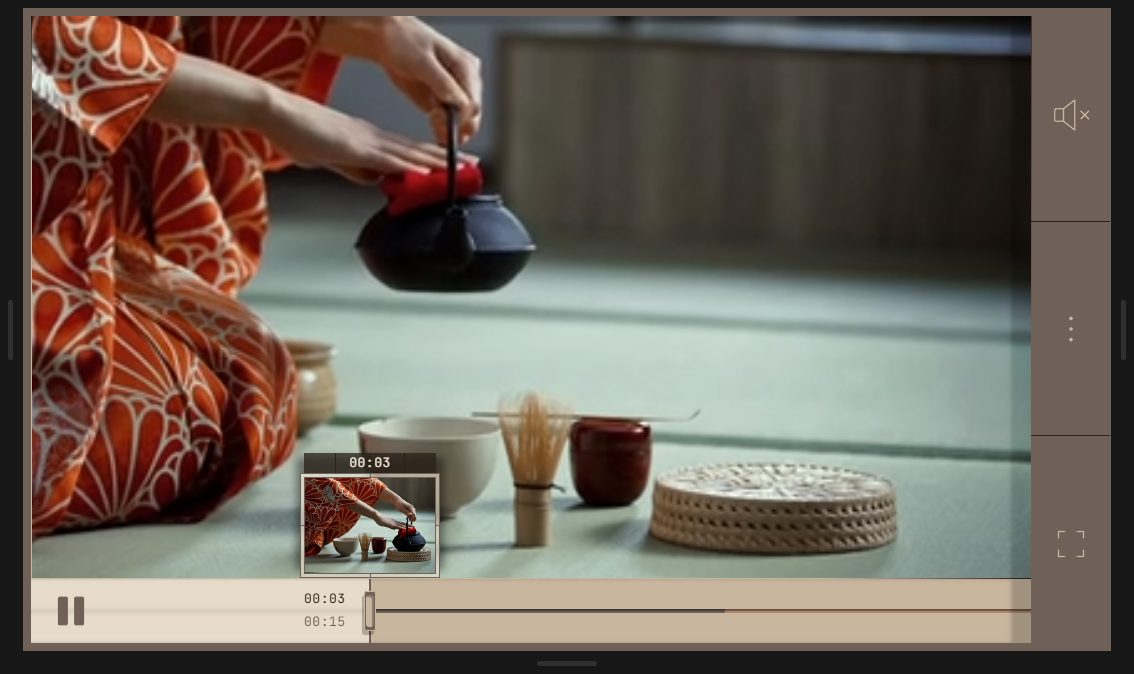
- The sliding paper door. It slides across the floor as the video plays, so the seek bar is a door, not a line.
- Hikite 引手
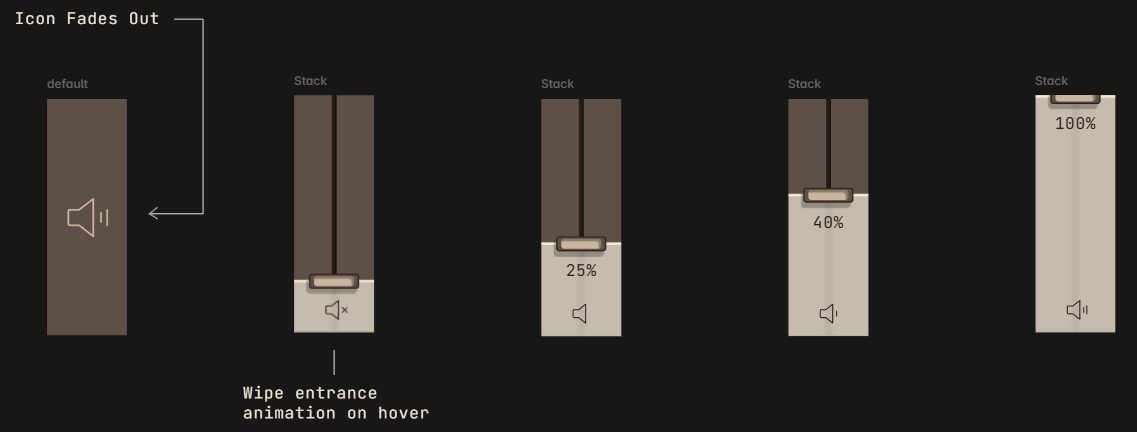
- The recessed wooden door pull. It is the handle you drag to seek, and to set the volume.
- Kumiko 組子
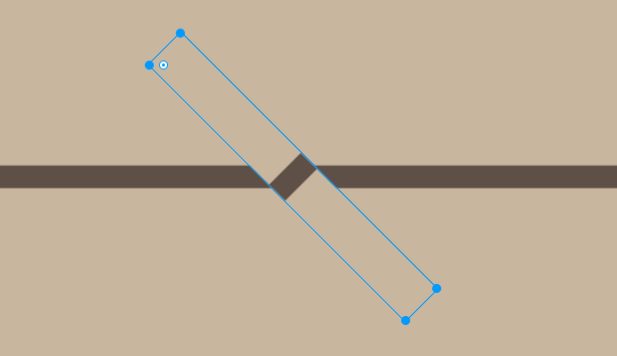
- Wooden joinery. Chapter breaks are joints in the floor's groove, and the settings door's lattice casts its shadow across the picture.
- Hanko 判子
- A personal seal. When the film ends, one is pressed onto the shut door, like a signature on finished work.
Features
A change of perspective
Hover, tap or focus the player and your point of view lowers: the picture rises behind the lintel and the floor of the room comes into view. Look away and the view settles back on the picture, leaving a thin strip of progress.
A door for a seek bar
The washi door slides with playback. Drag its pull, click anywhere along the groove to glide there, double-tap either side of the picture to skip ten seconds, or step frame by frame with , and . on the keyboard.
Chapters and previews
Chapter joints in the groove, and a preview card that wipes in with the chapter title, the time and a thumbnail.
A volume door
On the post, the volume icon is wiped away as a small vertical door rises, with its own pull and level.
The settings door
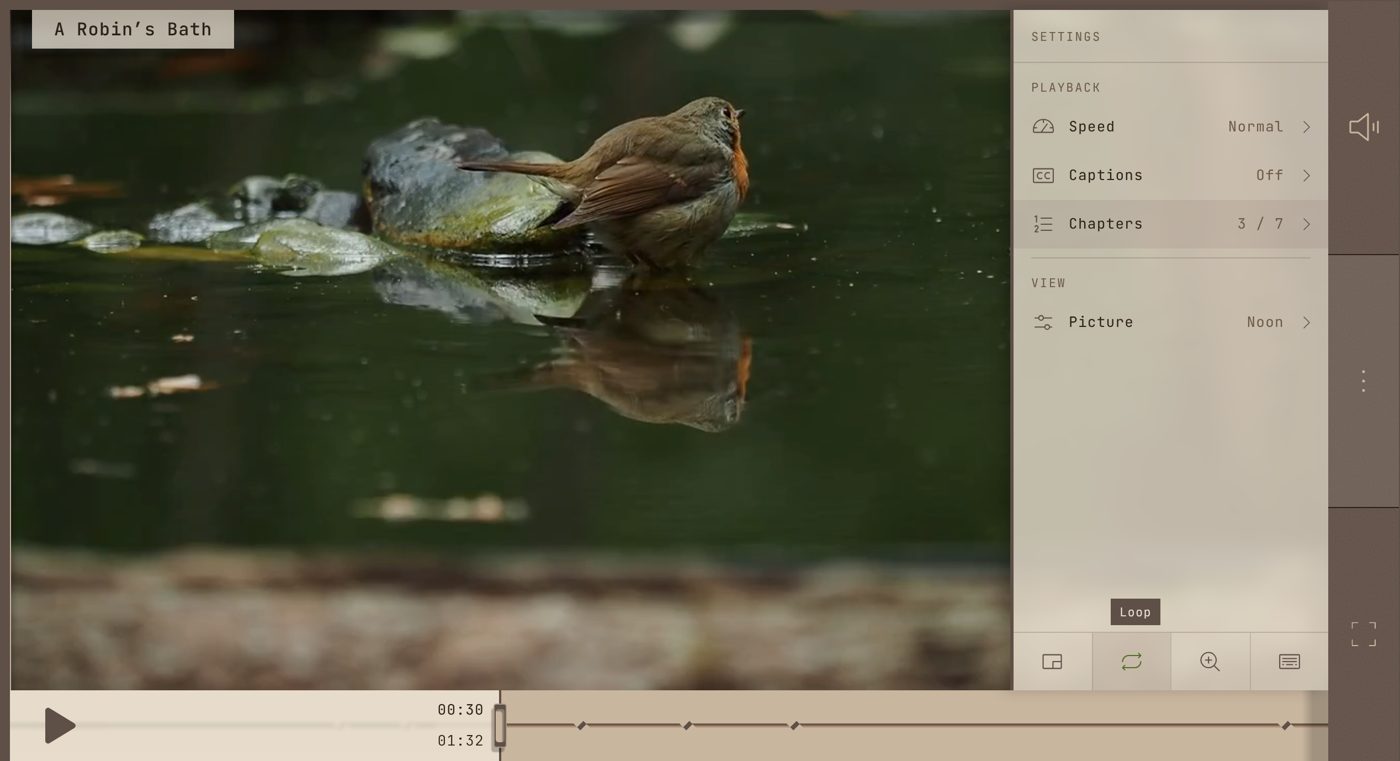
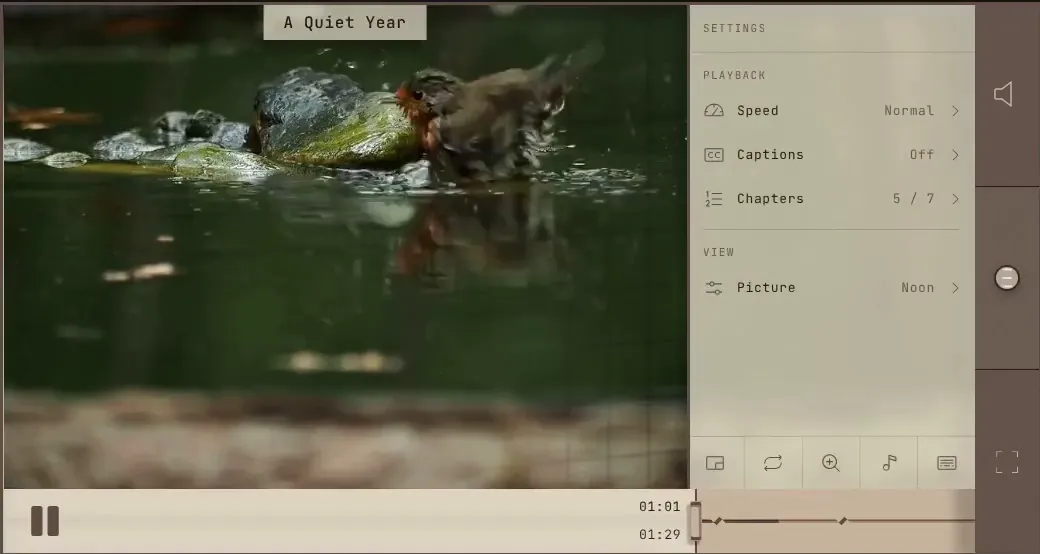
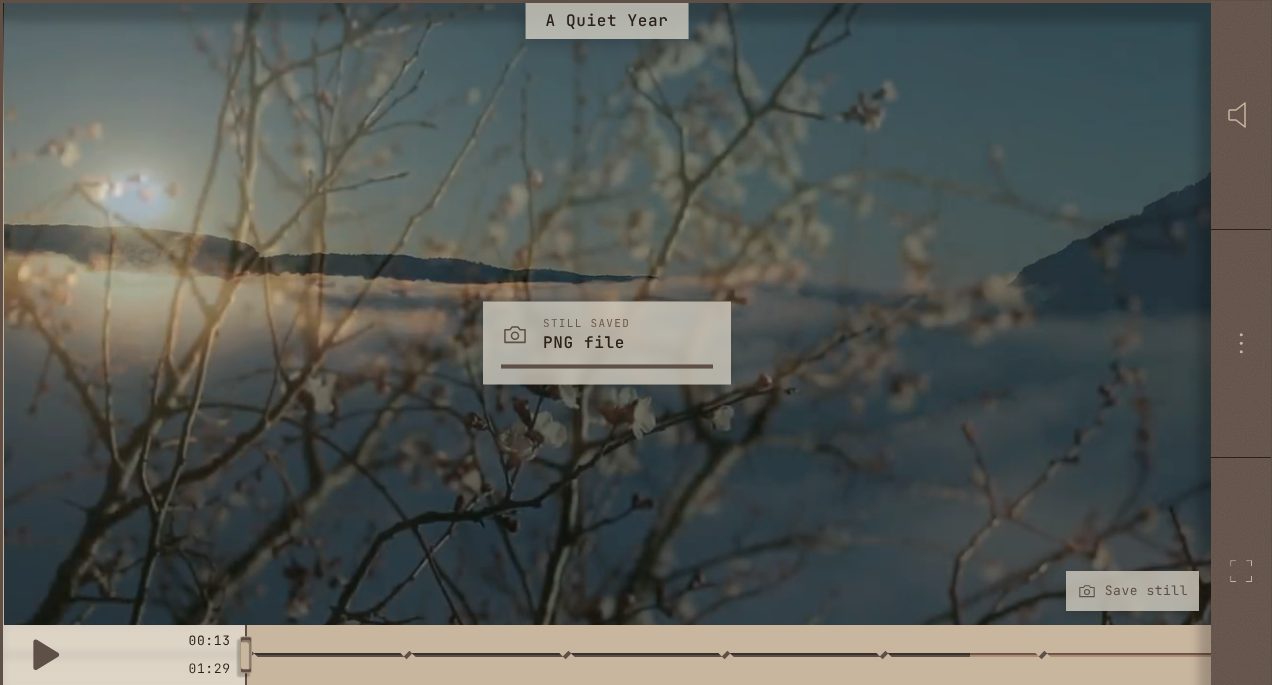
A second washi door slides out from behind the post: speed, captions, chapters with loop-a-chapter, light presets and picture adjustments, saving the frame on screen as a still (also Shift+S, or an optional camera on the picture), saving a clip, picture-in-picture, loop, a magnifier, parallax and sounds.
Light through paper
The washi takes on a faint tint of whatever the scene is showing, the way paper glows with the light behind it. As the settings door opens, its kumiko lattice casts a shadow across the picture.
Parallax you can feel
The picture, and the shade falling on it, drift a few pixels against the frame as you move the pointer or tilt your phone, so the alcove reads as a real recess. On iPhone it waits until you switch it on, so no permission prompt greets you.
A seal on the ending
When the film ends, a hanko seal is pressed onto the shut door: the title's initials, your own text, or any SVG or PNG, at the left, centre or right.
Take a clip with you
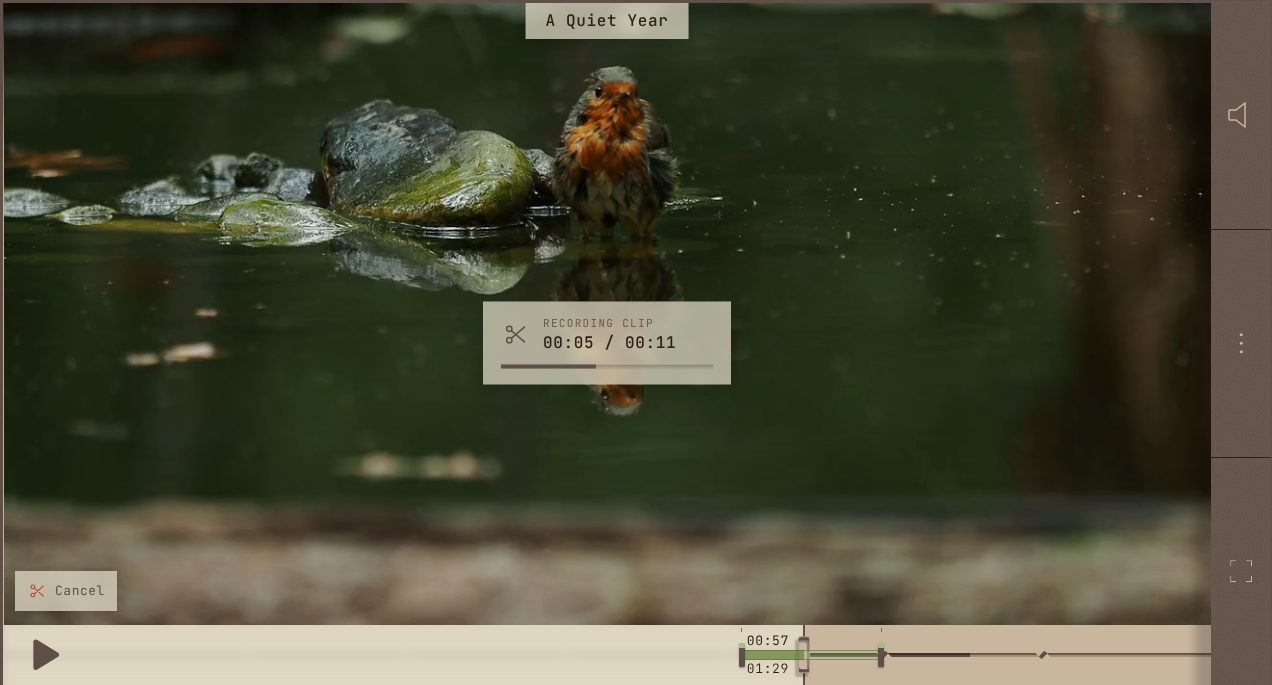
Mark a start and an end with I and O as it plays, from Settings → Clip, or by dragging the two wooden pegs that appear in the groove, then save the stretch between them to your device. It is recorded as it plays, as an MP4 where the browser can and WebM elsewhere. Off unless the site owner turns it on.
A closer look
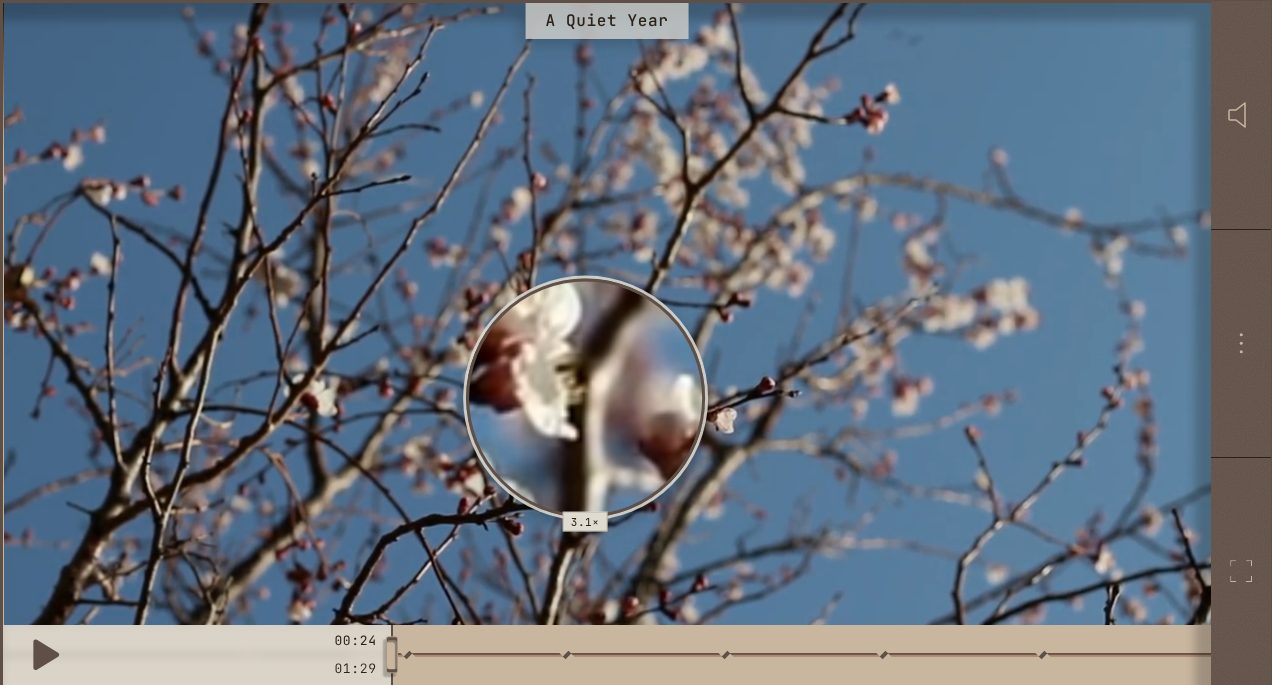
A round or square lens follows the pointer, or your finger, and shows the live picture enlarged; scroll over it to zoom from 1.5× to 5×, and hold Ctrl to resize it.
Quiet sounds, if wanted
Off by default. A wooden knock on the door pulls, a paper glide along the groove, the door drawn along its runner, a soft tap in the menu. All are made in the browser; no audio files.
Light, not overlays
Pausing lowers the room's light from the post's side. Loading runs a soft glide along the groove; errors appear on a washi card with one clear way to retry.
Made to fit
Four colour schemes (hinoki, black lacquer, indigo and sakura) that fade into one another. A frame that takes the video's own shape, from 21:9 to 9:16, or any shape you set; a post on the right or left, tucked away while you watch, or hidden; title left, centred, right or hidden; a floor that tilts, slides or unmasks; any frame width, shade and lattice; and a clear seek bar that lays a frosted floor over the picture.
Accessible
Every control works from the keyboard in a sensible order, with standard hotkeys plus keys for chapters, single frames, stills, clips, settings and the magnifier. Volume, speed, seeking, frame steps and chapter changes appear on a washi slip, and are announced to screen readers. Focus is always visible, and motion turns into calm cross-fades when reduced motion is on.
It remembers
Speed, volume, colour scheme, sound and picture settings are kept for your next visit, and each video picks up where you left off.
Any source
Streams from Mux here, and works the same with a plain MP4 or WebM file or an HLS stream from any host. Built from source with Video.js's own media elements, it plays DASH and YouTube or Vimeo embeds too, with fewer effects, since an embed's picture can't be read.
- 100Lighthouse accessibility, on desktop and mobile
- 0axe-core issues against WCAG 2.1 AA, with the settings door open and shut
- 30 KBthe skin's own CSS and JavaScript, gzipped, on top of Video.js; no image files in the interface
- 97Lighthouse performance on desktop; SEO 100
Where it fits
- Portfolios and showreels where the work should be seen before the interface is.
- Galleries, museums and archives presenting film as an object on display.
- Architecture and interior studios walking clients through spaces, with a chapter for each room.
- Craft, tea, hospitality and design brands whose sites are built on material and restraint.
- Documentaries and courses that lean on chapters, previews and looping a section.
What makes it different
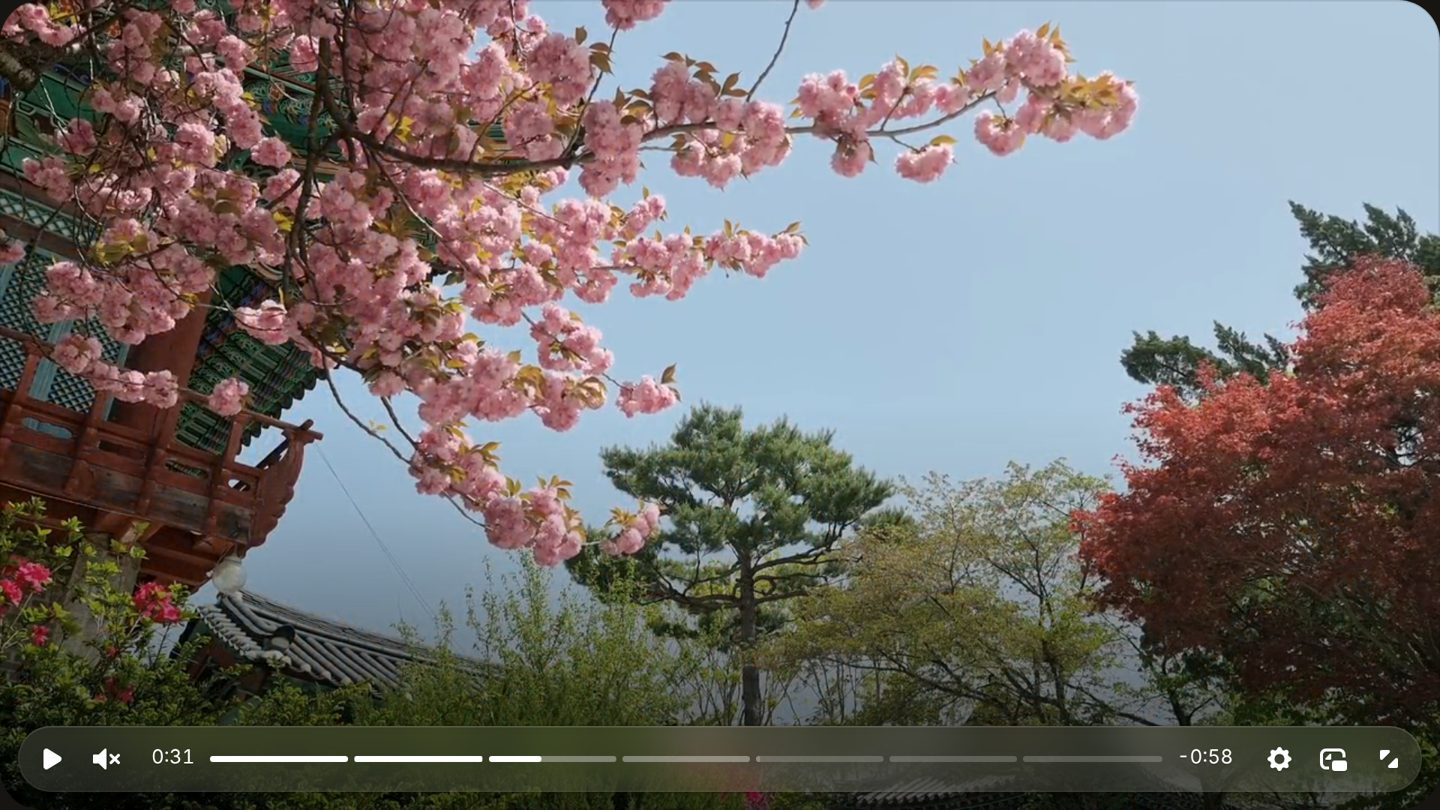
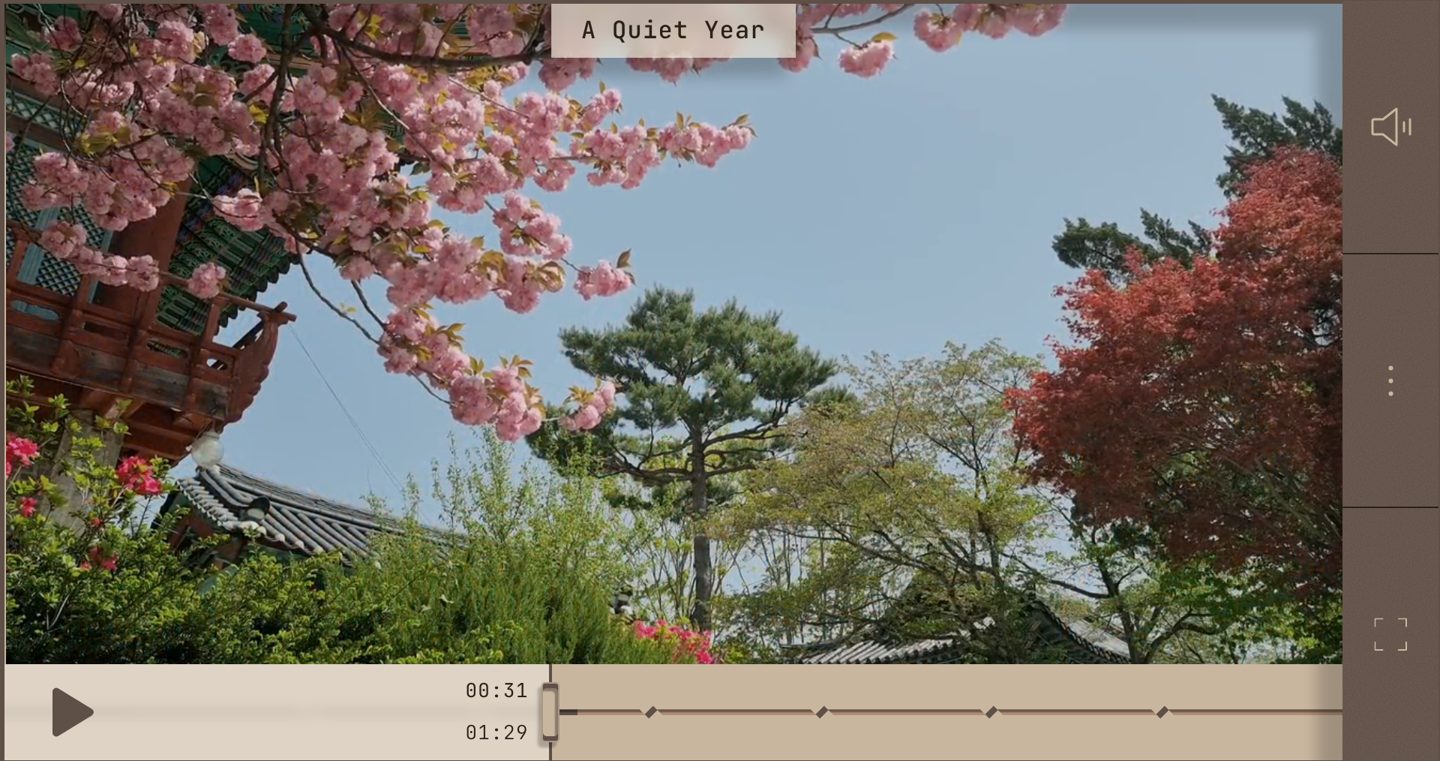
The interface is a point of view. Nothing fades in over the picture. You look down, the way you would in a real room, and the floor, the door and its pull are already there.
The controls are architecture, not an overlay. Nothing sits on the picture by default. The controls live on a floor, a post and a lintel that belong to the room the video hangs in.
Every movement is a physical one. Doors slide, cards are unmasked rather than faded in, and each motion eases out the way a real door comes to rest.
It's a tool as well as a frame. Three things a viewer usually needs another app for are built into the player: look closer at any part of the picture, save the frame on screen as an image, or mark a stretch on the seek bar and take it away as a video file.
State is carried by light and material. A paused room dims; a stretch not yet loaded is dusted with washi; the door pull turns matcha green while it is held; the paper glows with the colour of the scene; and the ending is marked with a seal, not a replay overlay.
Use it
The whole skin, Video.js included, is one tag. Add the stylesheet and the script, then point the player at any video: a Mux or HLS stream, or a plain MP4 or WebM file. The snippet below works as it is, pasted into any page or a Framer embed; swap in your own video, poster and tracks.
<link rel="stylesheet" href="https://tokonoma-site.vercel.app/lib/tokonoma.css">
<script type="module" src="https://tokonoma-site.vercel.app/lib/tokonoma.js"></script>

<tokonoma-player
  src="https://stream.mux.com/uvARTyBix02kTMuAOLGfaedhBu02teeI8P02YVezZ6GkKQ.m3u8"
  title="A Quiet Year"
  poster="https://tokonoma-site.vercel.app/media/poster.webp"
  chapters="https://tokonoma-site.vercel.app/media/chapters.vtt"
  captions="https://tokonoma-site.vercel.app/media/captions-en.vtt"
  theme="hinoki">
</tokonoma-player>
Every setting on this page is an attribute: theme, post, aspect, title-align, title-layer, seek, floor, chapters-style, shade, paper-light, parallax, sound, magnifier-shape, still-button, clip, seal, seal-src, seal-align, volume, remember and loading, and your own colours are wood, floor, paper, ink, wall and accent. The lattice, frame, post size and shade strength are CSS custom properties.
theme="aizome", post="left" and seal-align="center".Early versions
Designed in Framer first, then built frame by frame against those designs.